How to Add Custom Liveries to a FiveM Vehicle
· 6 min read
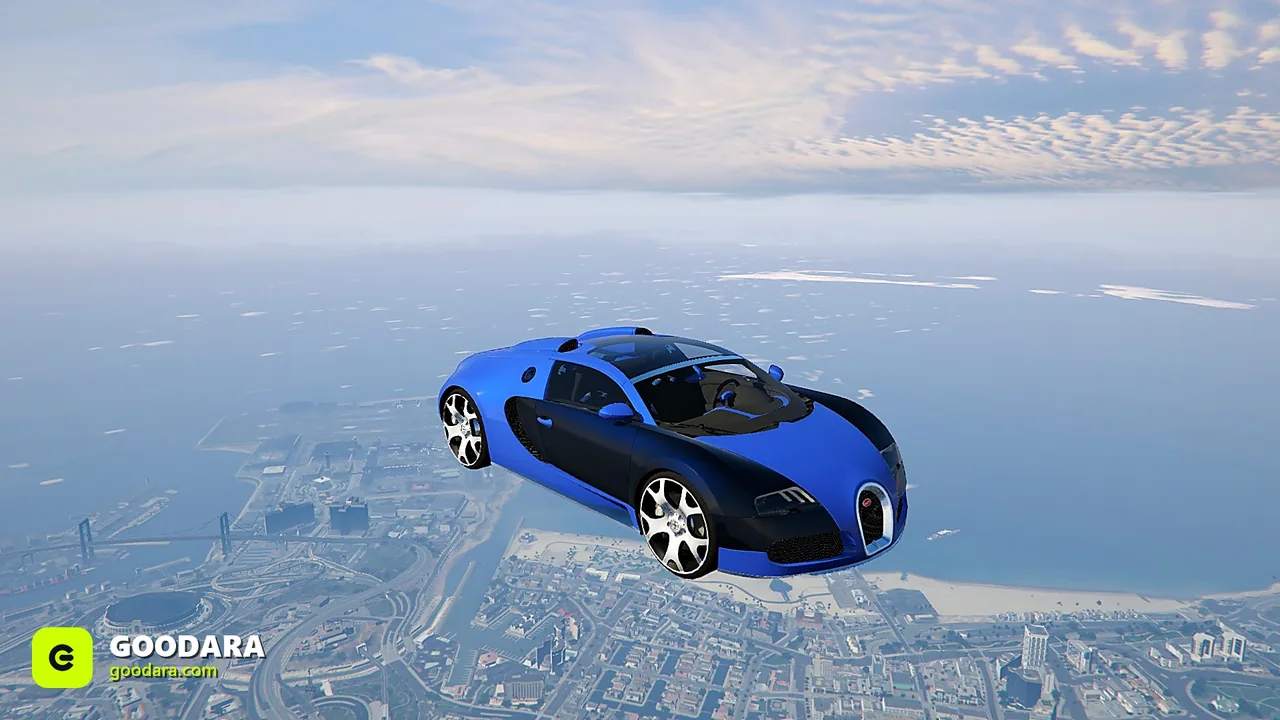
Liveries let one vehicle wear many looks — perfect for police variants, racing teams or sponsor wraps. Done right, a single car becomes an entire branded fleet. Here's how liveries work in FiveM.
Two ways liveries are done
- Built-in livery slots — defined in the vehicle's meta, selectable in mod shops.
- Texture-swap skins — extra
.ytdsign/livery dictionaries applied via script.
1. Check what the car supports
Open the vehicle's carvariations.meta / vehicles.meta to see how many livery slots it declares. You can only use as many as the model was built to support.
2. Add or replace the livery texture
Each livery is a texture in the vehicle's texture dictionary. Adding a design means dropping the new texture in and registering it in the meta so the slot points to it.
3. Apply it in-game
Built-in liveries appear in the mod shop's livery category. Script-driven skins are applied by an emergency/livery menu — common on police fleets so one cruiser covers multiple departments.
Troubleshooting
- Livery slot empty or white → texture missing/misnamed; see fixing vehicle errors.
- Only one livery shows → the model only supports one slot.
Liveries shine on service fleets — build yours on our police vehicles and emergency packs.


