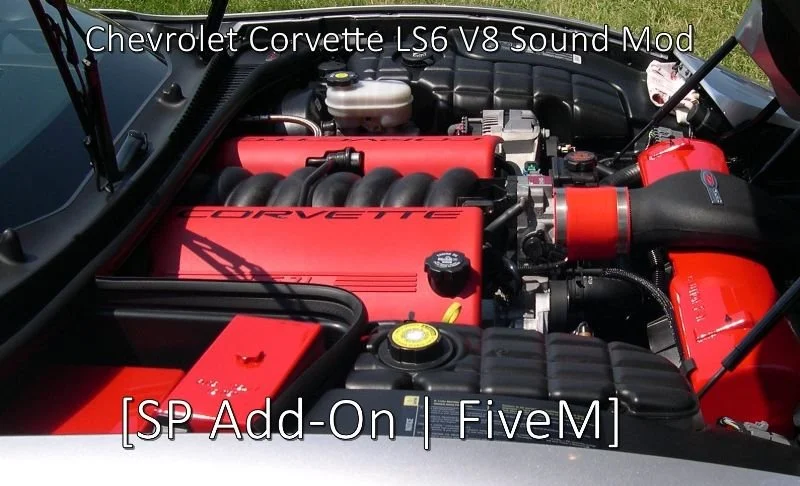
Chevrolet Corvette LS6 V8 Engine Sound (FiveM)
$4.99$8.49SAVE 41%
Buy 2+ cars, get 15% off automatically · or 10% off your first order with code WELCOME10 · 🎉 Free FiveM car every week, join our Discord
FiveM engine sounds — custom V8, V10, V12, W16 and rotary sound resources like the Nissan RB26DETT, Lexus LFA V10 and Bugatti Chiron W16. Instant download.
FiveM engine sounds are add-on audio resources that replace the stock engine note of a car on your server. Each listing here is one engine, named after the car and engine it was made from, such as the Nissan RB26DETT inline-six, the Lexus LFA V10 or the Bugatti Chiron W16. A sound is a separate resource from the car: you start it on the server and point a vehicle at it with the audioNameHash line in that vehicle's vehicles.meta, so one sound can be used on as many cars as you like. Pick by engine layout first, V8, V10, V12, inline-six or rotary, so the note fits the car it goes on.
105 products
Not sure what to pick?FiveM Engine Sounds ›
Also browse:Engine sound buyer's guide ›How to install engine sounds ›FiveM cars ›
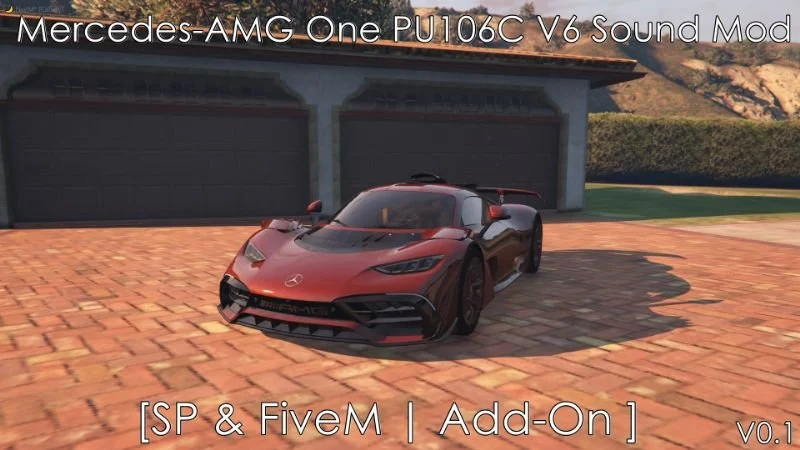
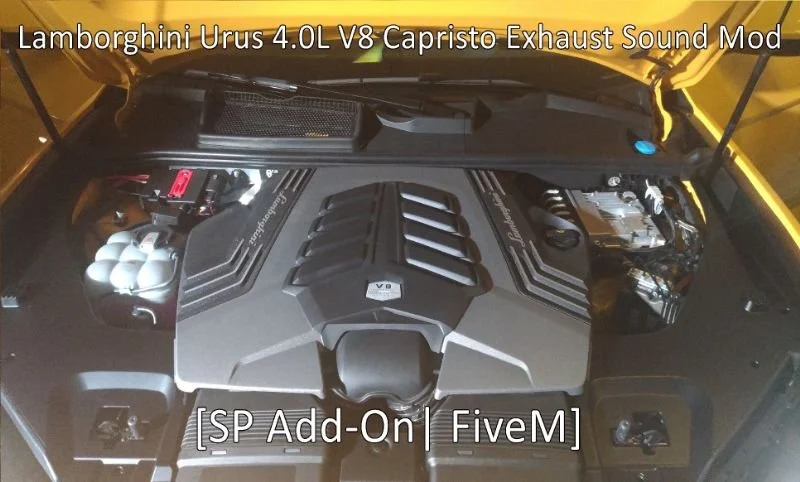
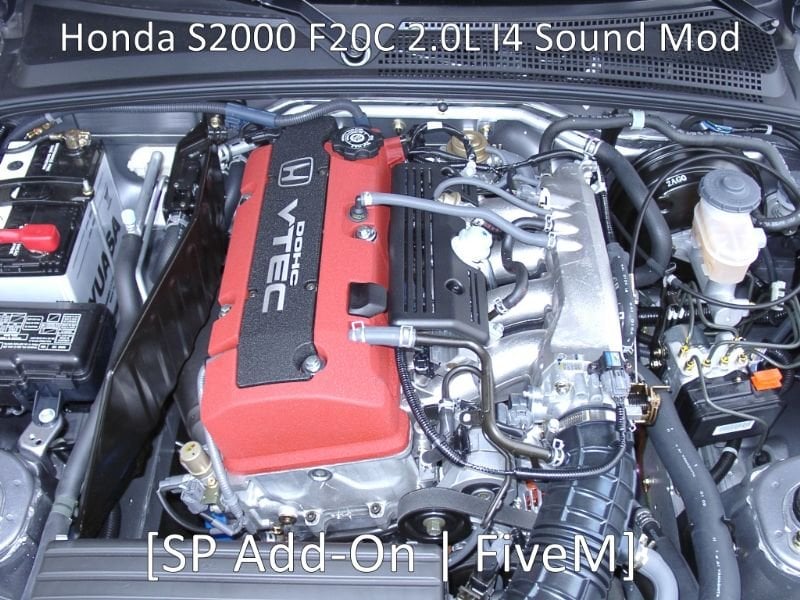
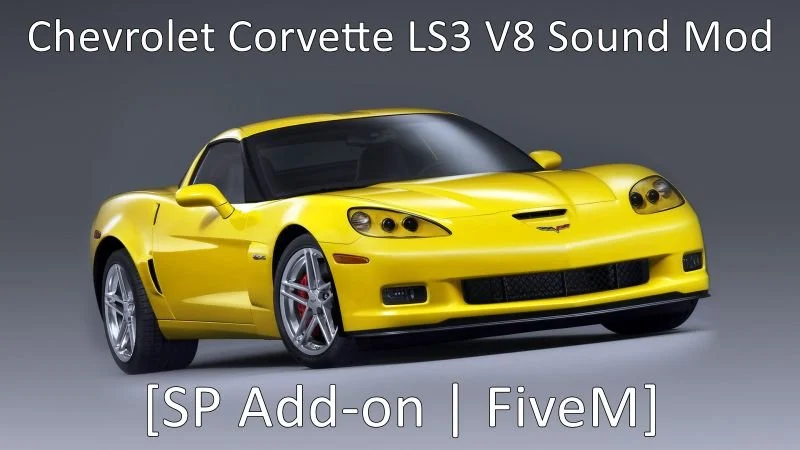
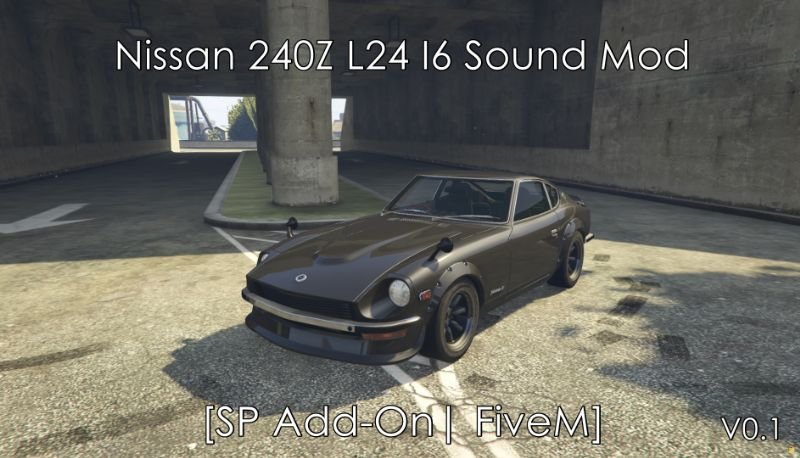
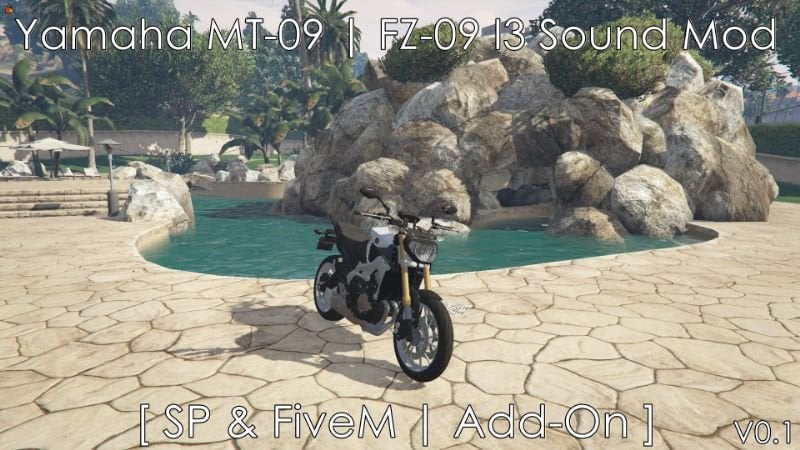

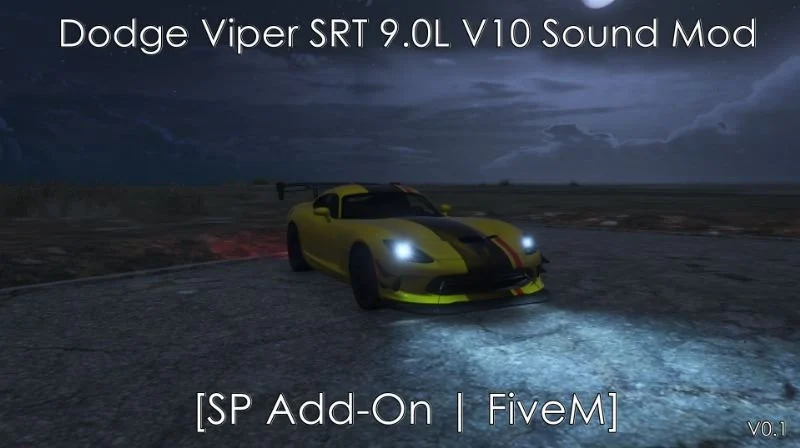



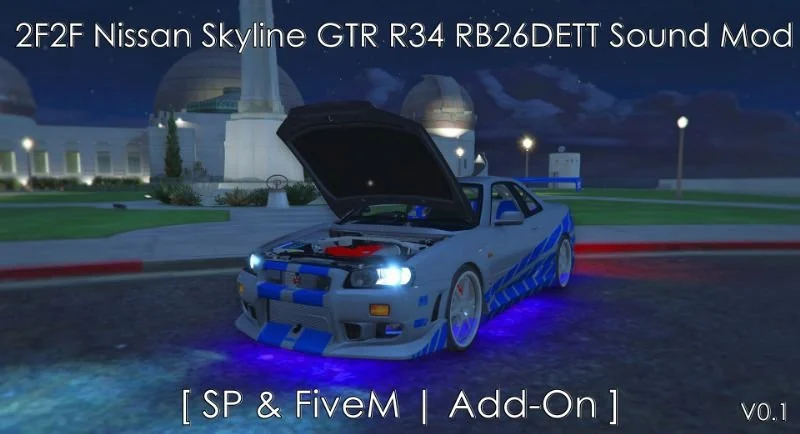
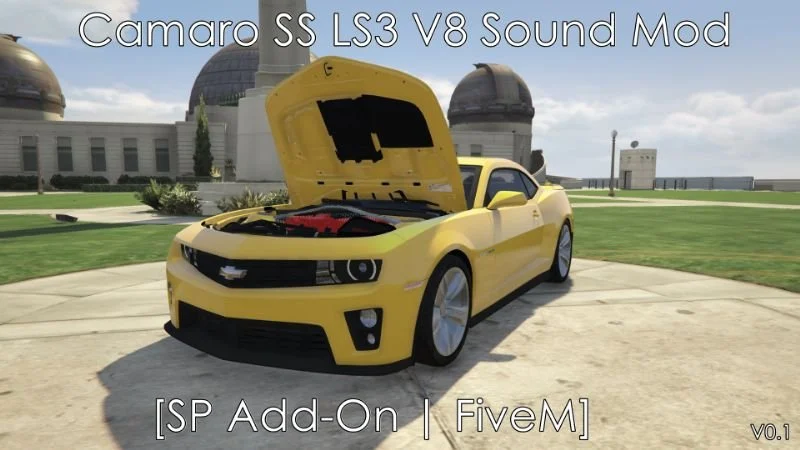
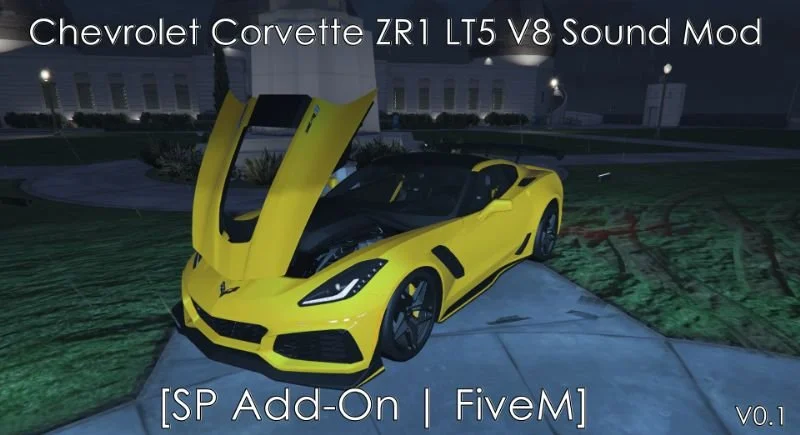
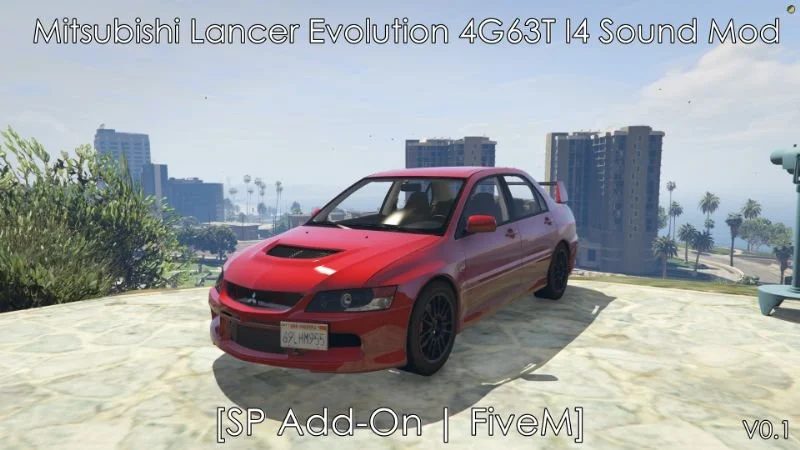
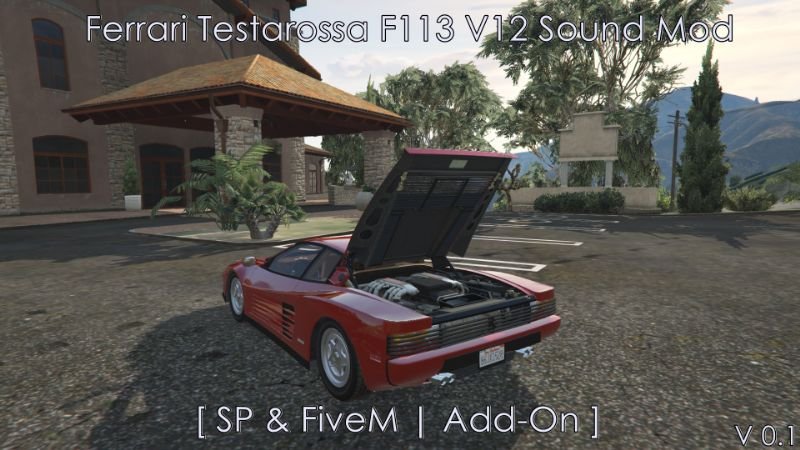
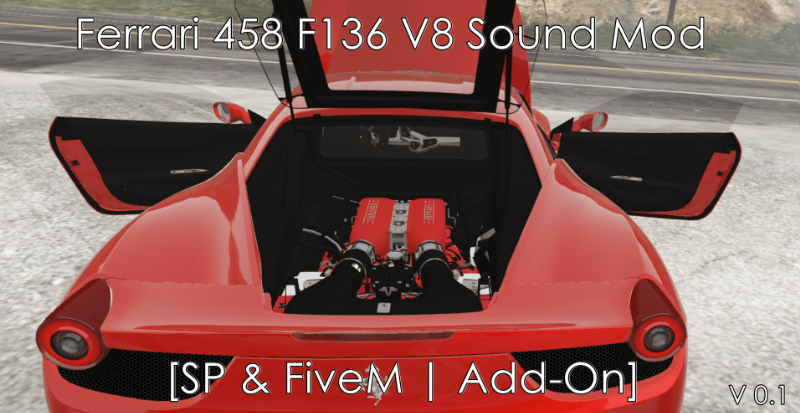
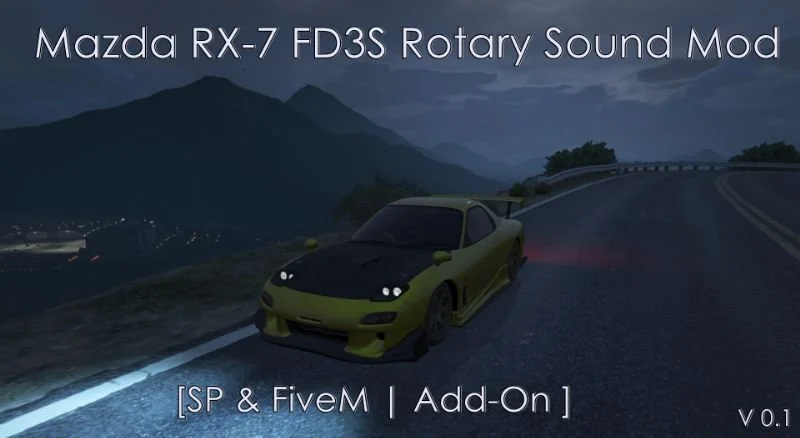
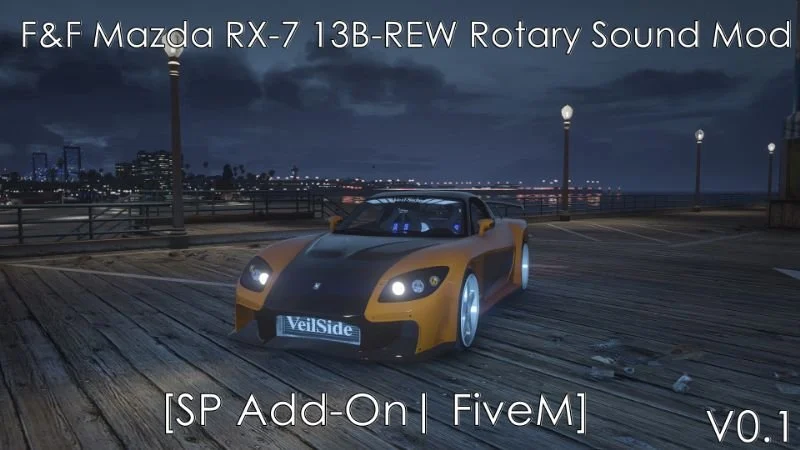
Showing 24 of 105
Unzip the sound resource into your server's resources directory and add ensure followed by the resource name to server.cfg. Then open the vehicles.meta of the car that should use it, set audioNameHash to the sound's name as given on its product page, and restart the server.
Yes. The sound is its own resource. Any number of vehicles can point at it through the audioNameHash value in their vehicles.meta.
Yes. A sound is a standard FiveM resource and does not depend on a framework, so it works on QBCore, ESX and standalone servers.
No. Every car already names an engine sound in its vehicles.meta and works as delivered. A custom sound is an optional change you make per vehicle.