How engine sounds work in FiveM
Every vehicle in GTA V names the engine audio it uses in its vehicles.meta file, in a field called audioNameHash. Most add-on cars point that field at one of the base game's sounds, which is why a freshly installed supercar can end up sounding like a stock sedan. A custom engine sound is a separate resource that adds a new set of audio to the game under its own name. Once it is running, any car whose audioNameHash is set to that name uses the new sound.
That split is the useful part. The sound is not tied to one car: it is a library entry, and you decide which models use it. One 2JZ sound can serve every Supra on the server, and swapping a car from one sound to another is a one-line change. Each Goodara sound is its own standalone resource with a single name to set, listed on the product page and in the readme that comes with the download.
Matching a sound to a car
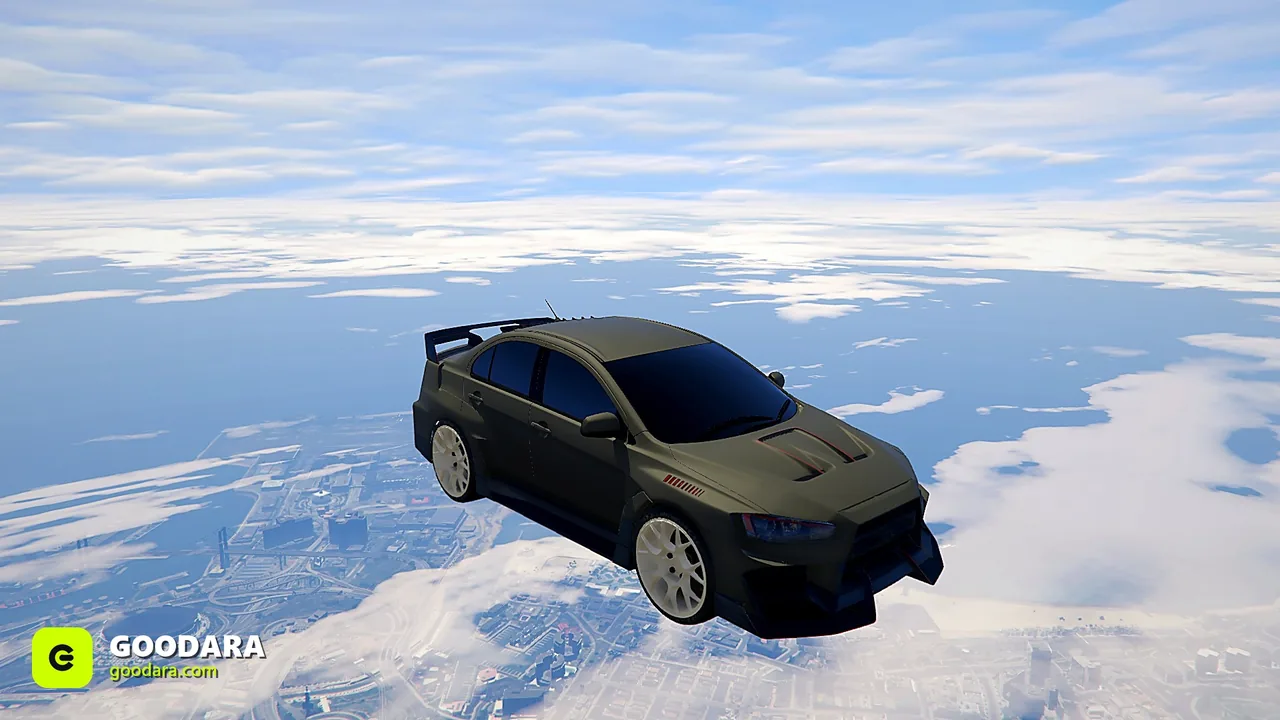
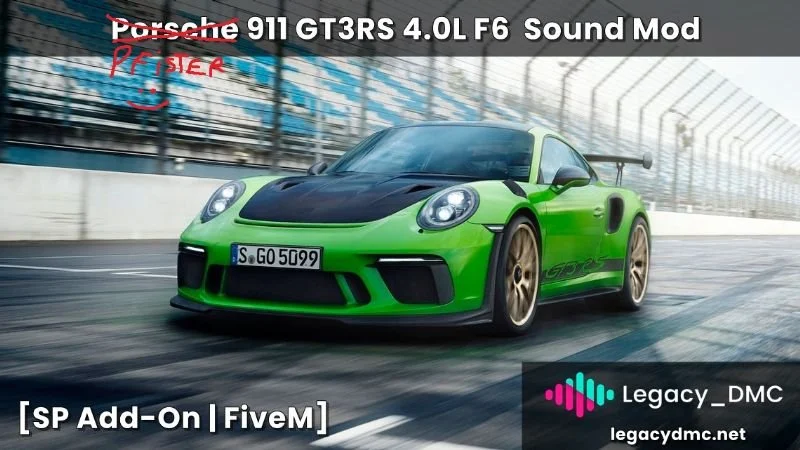
Choose by engine layout first and by badge second, because layout is what the ear recognises. Four-cylinders (the Honda K20A and B16A, the Nissan SR20DET, the Mitsubishi 4G63T) suit hot hatches and tuner builds. Straight-sixes are the JDM and BMW signature: the Toyota 2JZ and 1JZ, the Nissan RB26DETT, the BMW S55. Rotaries are their own category, and the catalog has several, from the Mazda 13B-REW to three- and four-rotor builds. Flat-sixes cover the Porsche 911 family, including the GT3 RS.
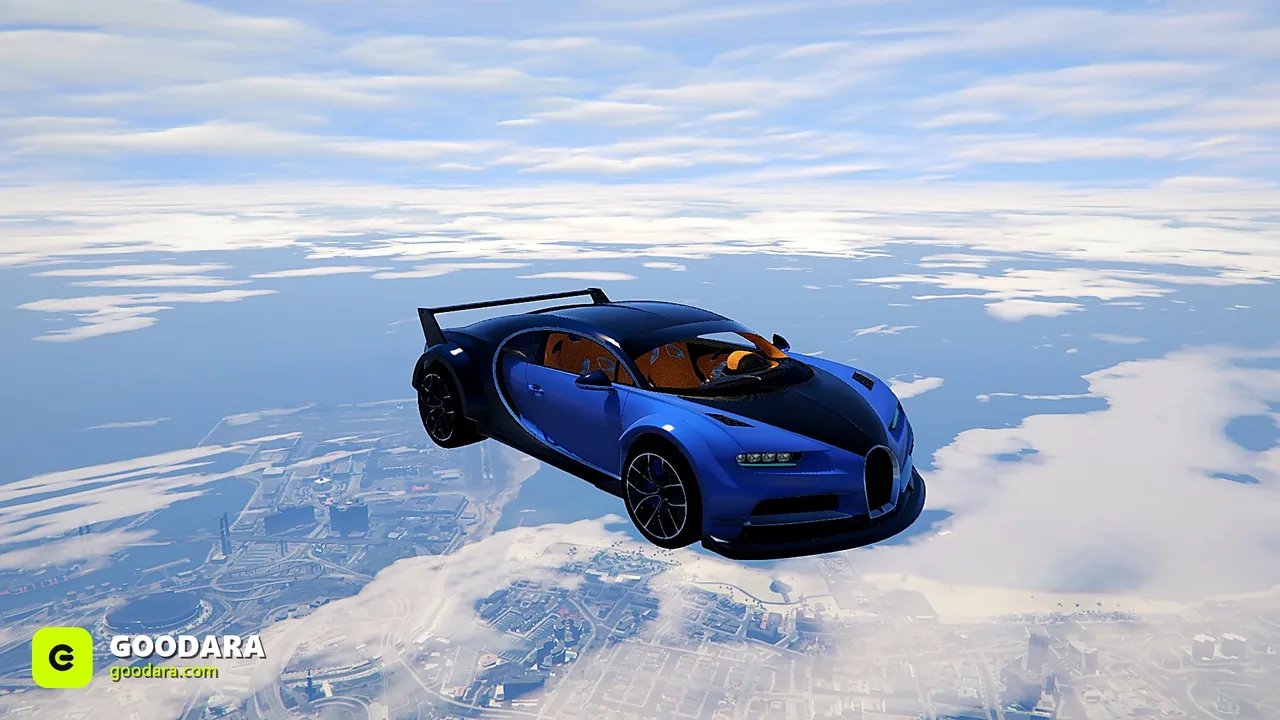
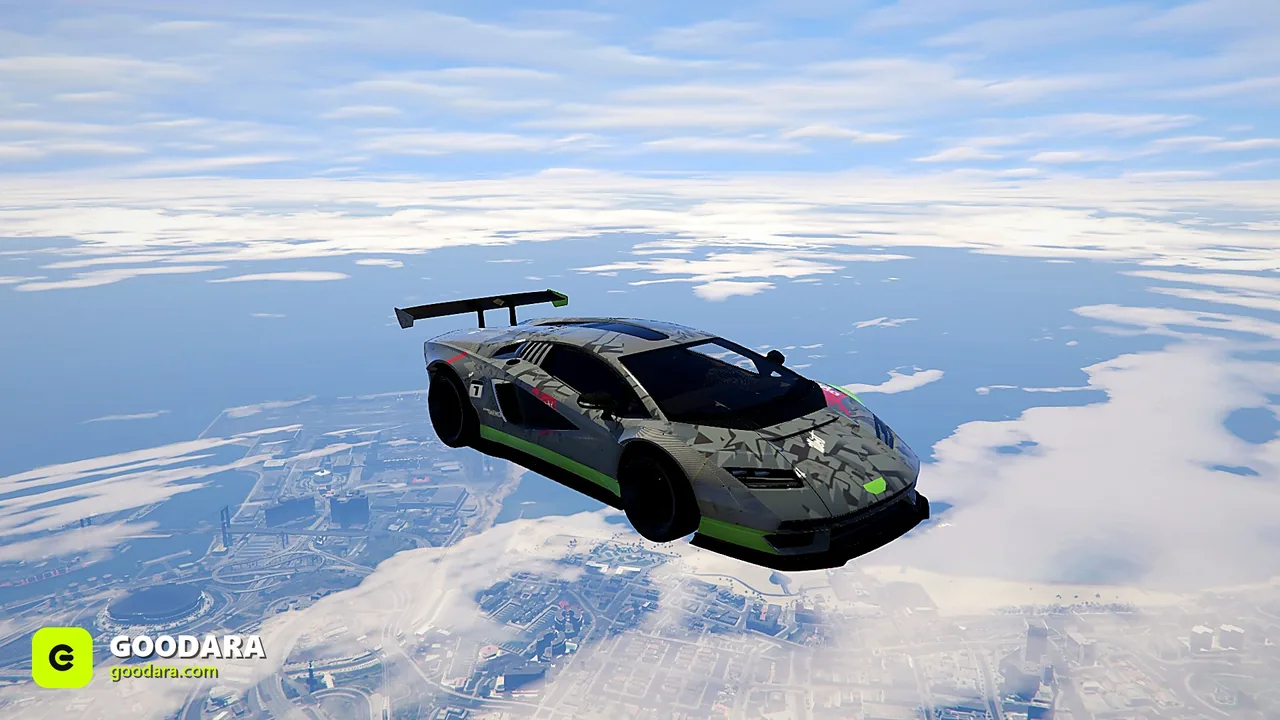
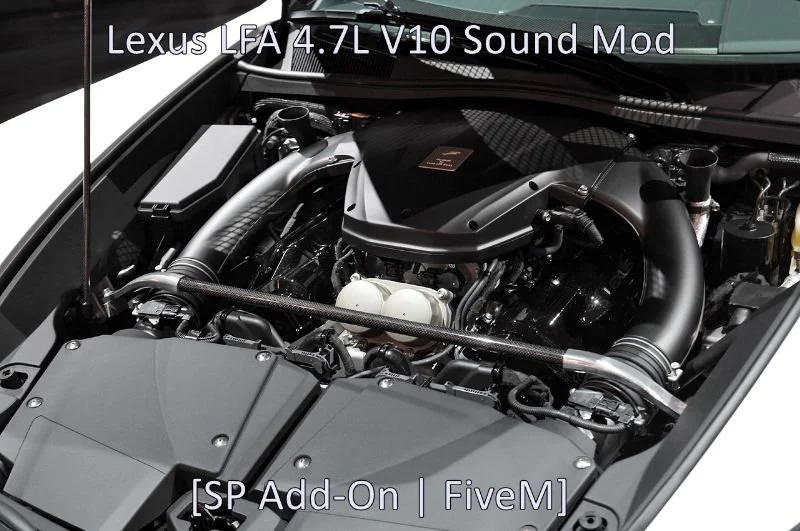
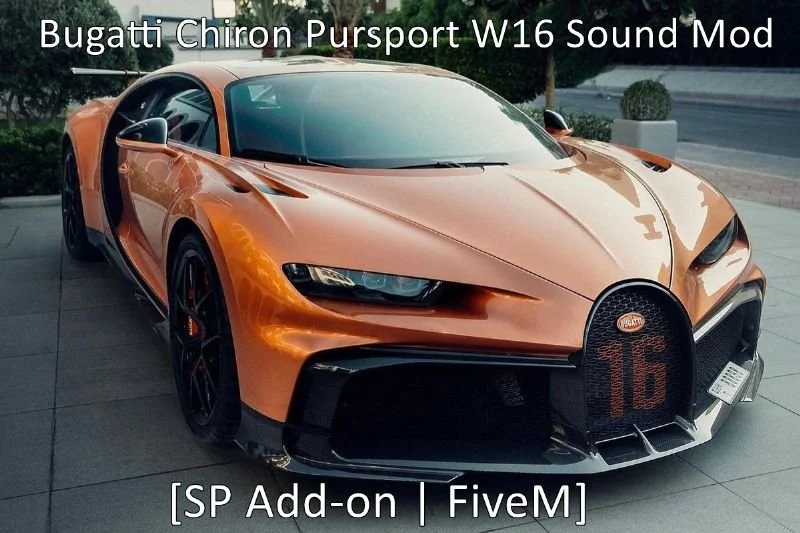
For American muscle and trucks, the V8s do the work: Hellcat and HEMI variants, LS3, LS6 and LS7 Chevrolets, the Mustang 5.0 and the supercharged Shelby engines, plus a Duramax diesel for pickups. Supercars lean on V10s and V12s, such as the Lamborghini Huracan and Gallardo V10, the Lexus LFA, and V12s from the Aventador SVJ, the Ferrari 812 Superfast and the Pagani Zonda. At the top there are W16s for the Bugatti Veyron and Chiron Pur Sport. Motorcycles and off-road toys are covered as well, with sounds for the BMW S1000RR, the Suzuki GSX-R 1000, a two-stroke dirt bike and a Yamaha Raptor quad.
A practical rule: one sound per engine family, not one per car. If your dealership has four Nissan GT-R variants, they can all share the VR38DETT. That keeps the resource list short and gives each brand a consistent voice.
Single sounds or a sound pack
Buy singles when you know exactly which cars need fixing. A drift server that wants its hero cars to sound right might need five or six sounds and nothing else. Single sounds are among the lowest-priced products in the store, so this is also the cheapest upgrade you can make to a car players already own.
Buy a pack when you are fitting out a whole category. There are four themed packs, JDM Legends, Muscle / V8, Supercar and Hypercar, and the Ultimate Engine Sound Pack, which contains all 102 sounds, each as its own standalone resource. Because every sound stays a separate resource, a pack does not force you to run all of it: start the ones you have assigned to cars and leave the rest off until you need them.
Installing and assigning a sound
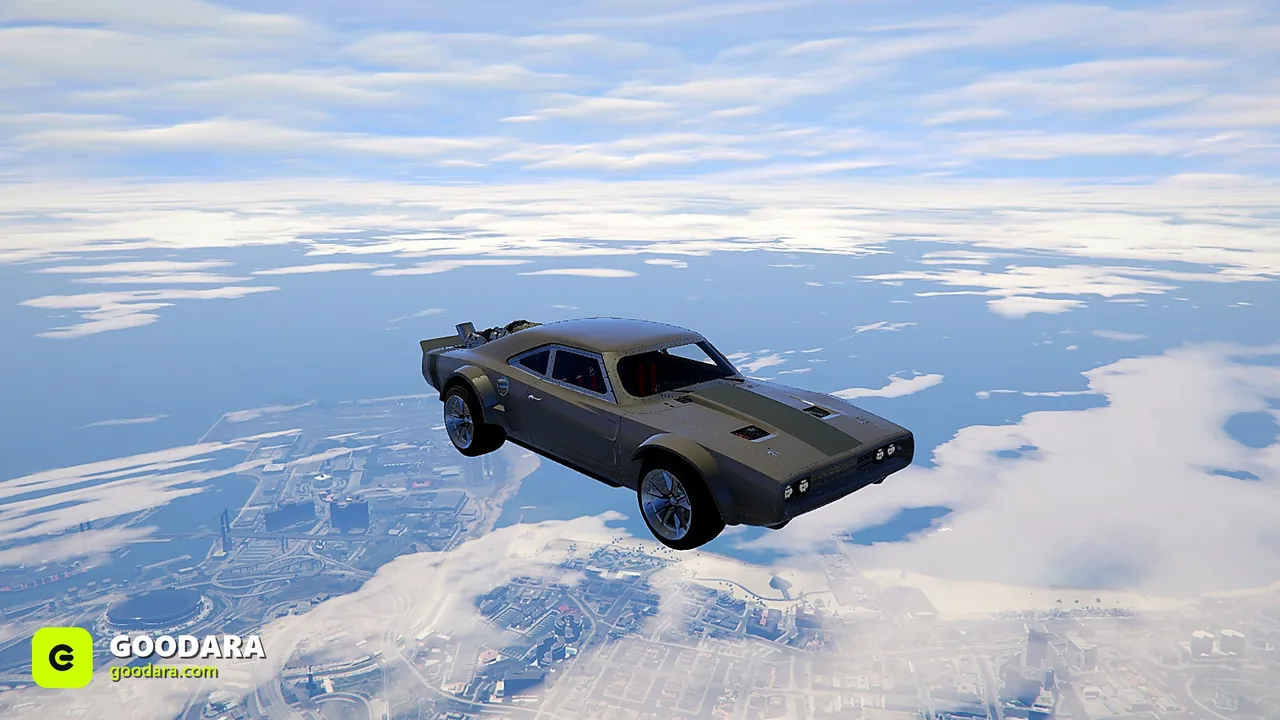
Installation has two steps. First, add the sound like any other resource: drop the folder into your resources directory and add an ensure line to server.cfg. Second, tell a car to use it. Open that car's vehicles.meta, find the audioNameHash line and set it to the sound's name. For the F&F Toyota Supra 2JZ sound, for example, the line becomes <audioNameHash>a80ffeng</audioNameHash>. Restart the server and rev the car.
If you run an engine-swap or tuning script that lets players change a car's sound in game, give it the same name instead and skip the meta edit. Either way the sounds are framework-agnostic: they work on QBCore, ESX and standalone servers, and on any add-on or base-game vehicle.
If a car is silent or still uses its old sound, the usual causes are a typo in the name, a sound resource that is not started, or a server that was refreshed rather than fully restarted after the meta edit. Check the server console for the resource name first.
Sounds on lore-friendly and electric cars
Sounds are named after the real engines they were recorded from, but that name never appears in game: players hear the engine, they do not see a label. That makes them just as usable on a certified lore-friendly car as on a debadged one. A Bravado muscle car with a HEMI sound is still a Bravado.
Electric cars are the opposite problem. An EV that points at a combustion sound breaks the illusion the moment it pulls away, so check what audioNameHash each electric model uses and leave it on a quiet base-game electric sound rather than assigning a V8 for effect.