GuidesVehiclesCustomization
How to Tune handling.meta in FiveM (Beginner's Guide)
· 8 min read
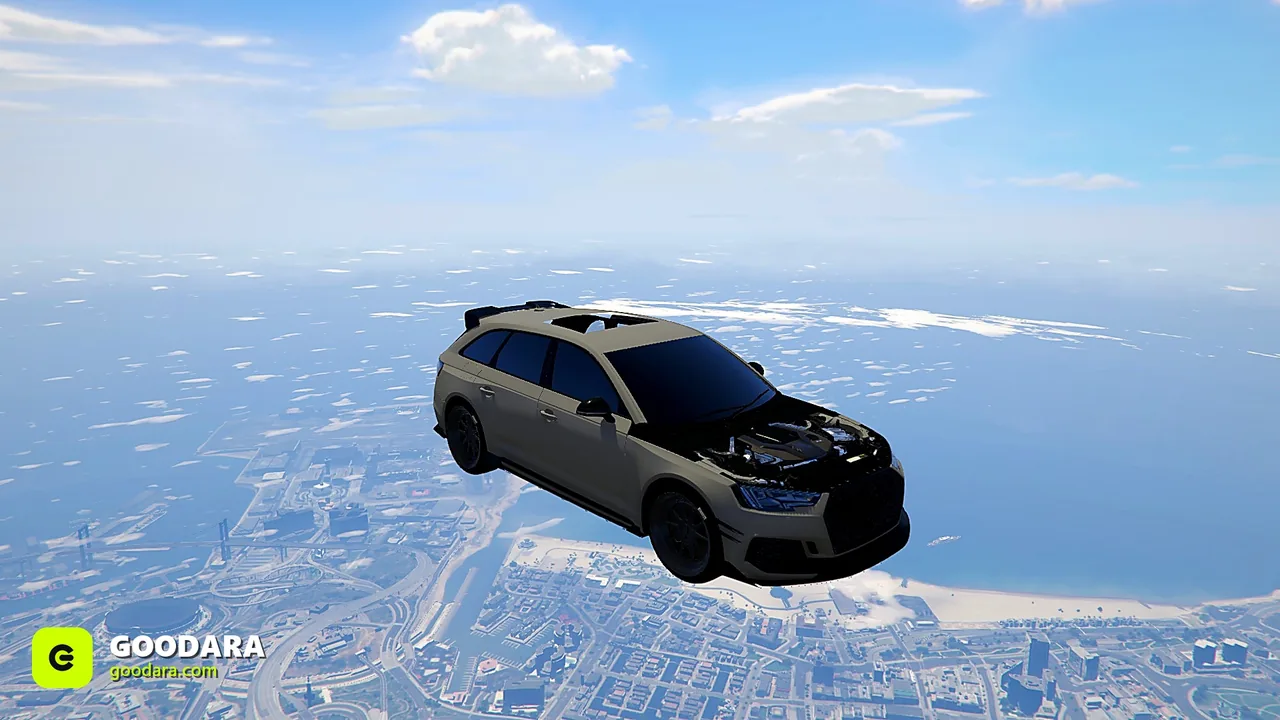
A car can look perfect and still drive like a brick. The fix lives in handling.meta — the file that defines how a vehicle accelerates, grips and brakes. You don't need to be an engineer to make meaningful improvements.
Where handling lives
Each add-on car has a handling.meta in its data folder, with one HandlingData block per model. Edit the block whose handling name matches the car you're tuning.
The fields that matter most
fMass— vehicle weight. Affects momentum and how it shrugs off collisions.fInitialDriveForce— raw acceleration. Small changes have big effects.fDriveBiasFront— drivetrain: 0 = RWD, 1 = FWD, 0.5 = balanced AWD.fTractionCurveMax/Min— peak and low-speed grip.fBrakeForce— stopping power.fSuspensionForce/ height — stance and how it soaks bumps.
A safe tuning workflow
- Change one value at a time.
- Restart the resource and test the same stretch of road each time.
- Note what each change did before moving on.
Common goals
- More grip: nudge
fTractionCurveMaxup slightly. - Driftier feel: bias drive rearward and reduce rear traction — great for a drift server.
- Snappier launch: small
fInitialDriveForceincreases.
If the car sits wrong or sinks before you even touch handling, that's a model issue, not tuning — see fixing vehicle errors. Want cars that already drive well out of the box? Our sport and supercar lineups come with sane handling.


