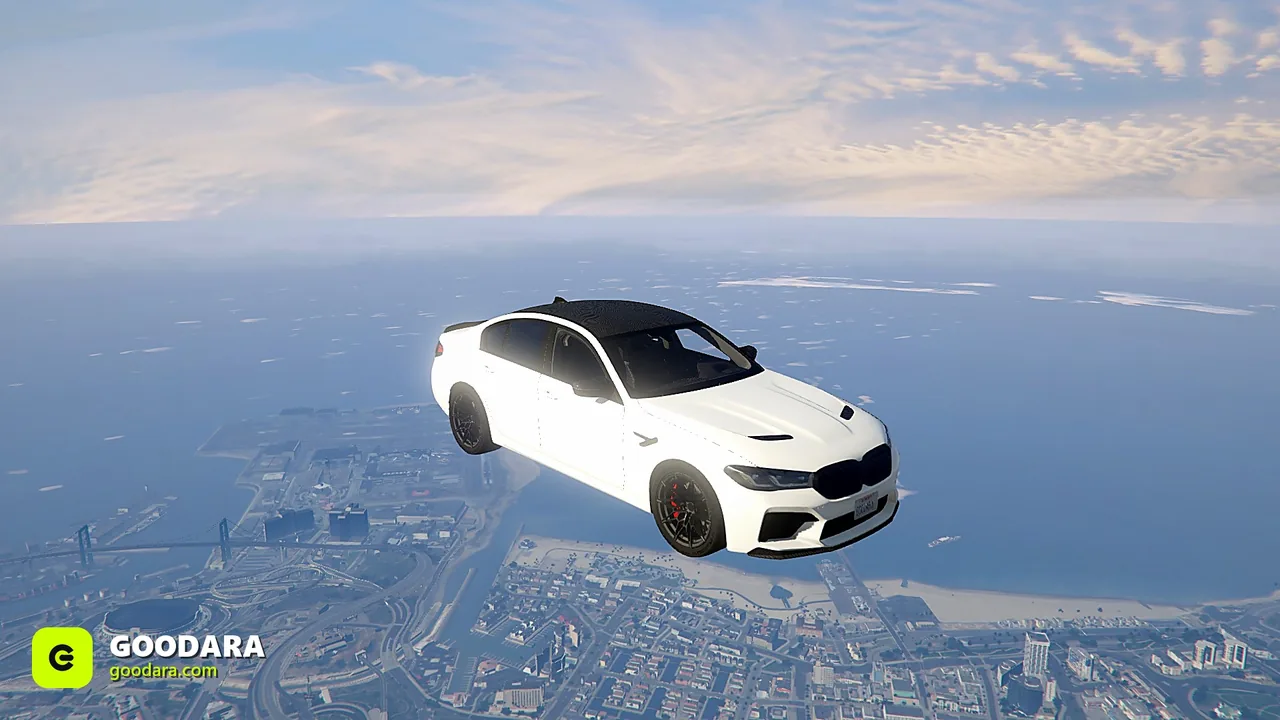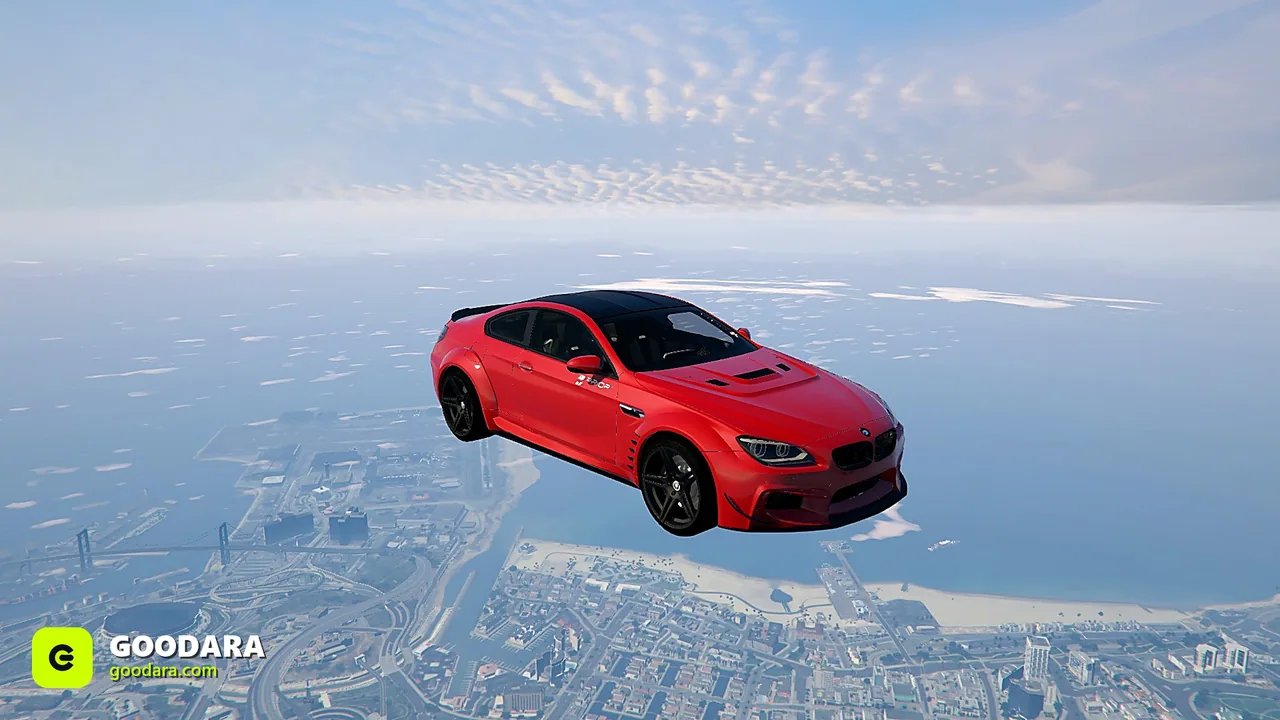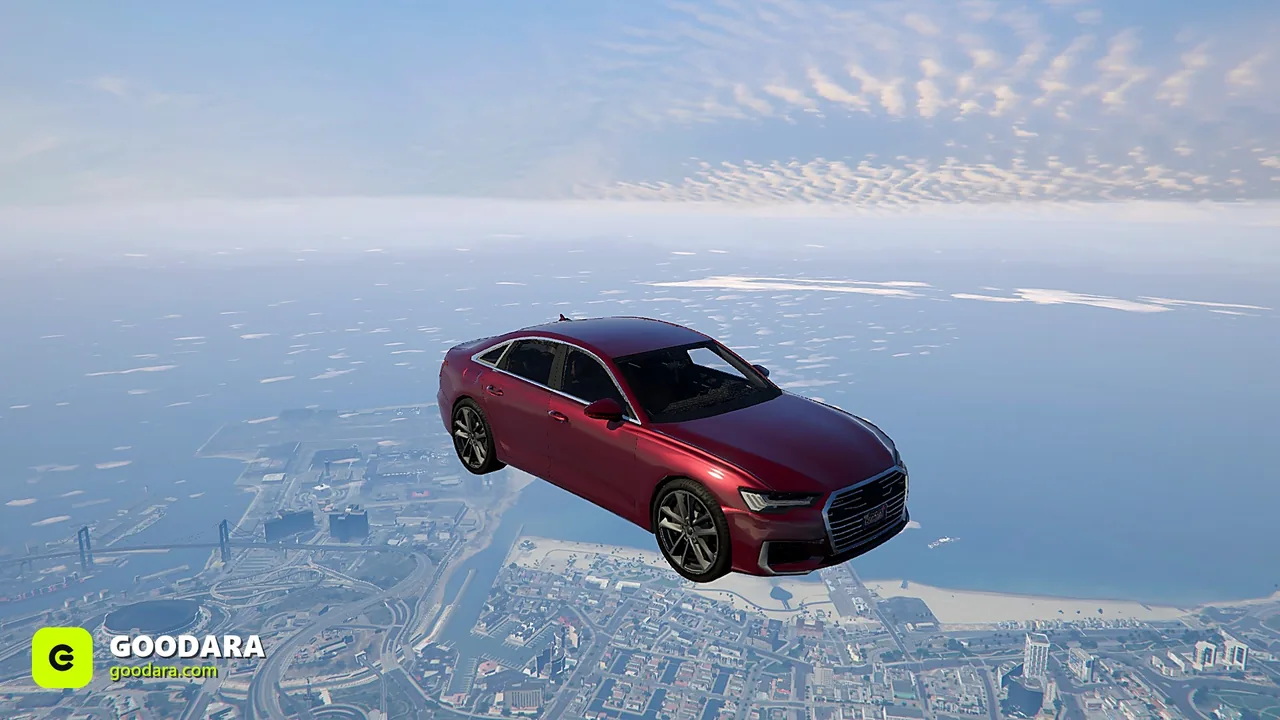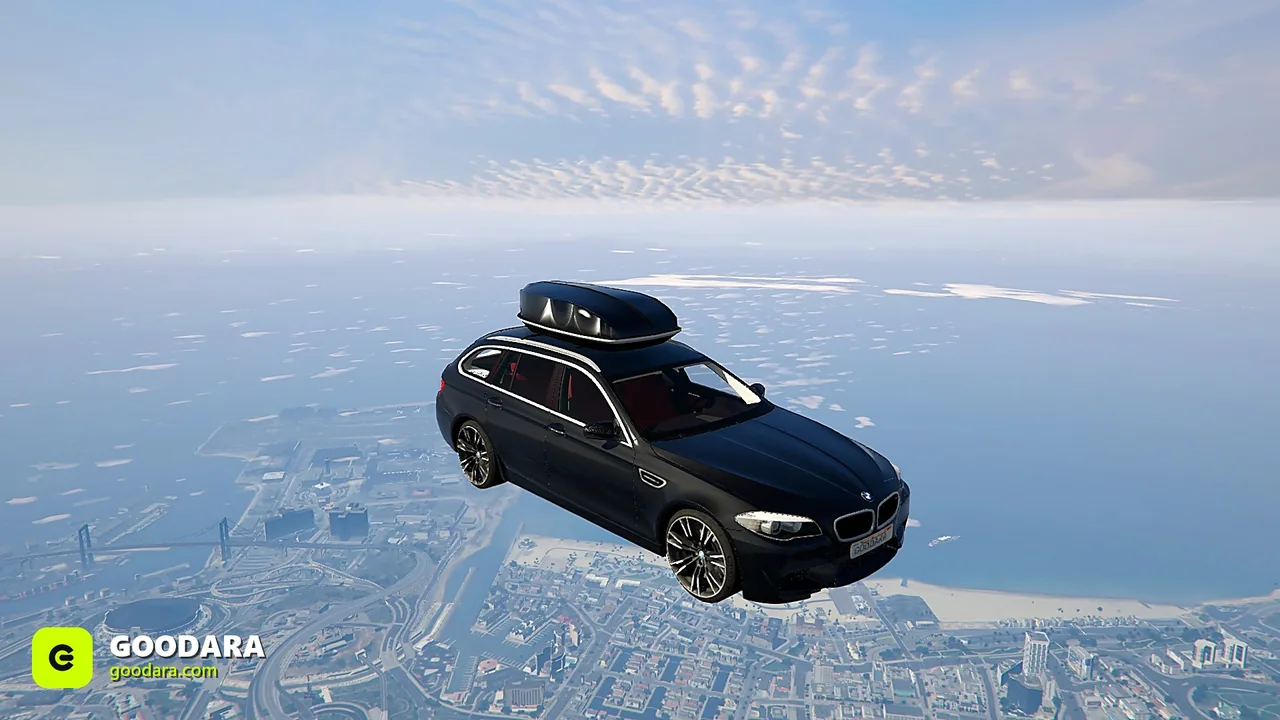
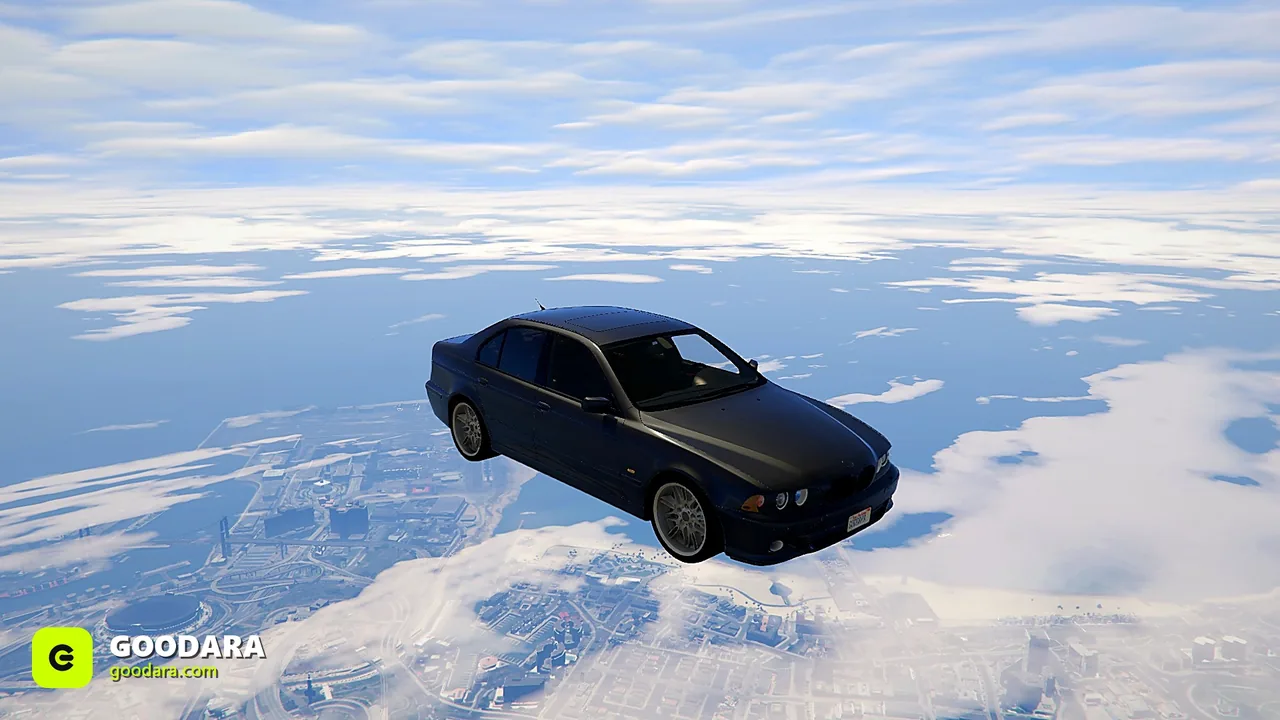
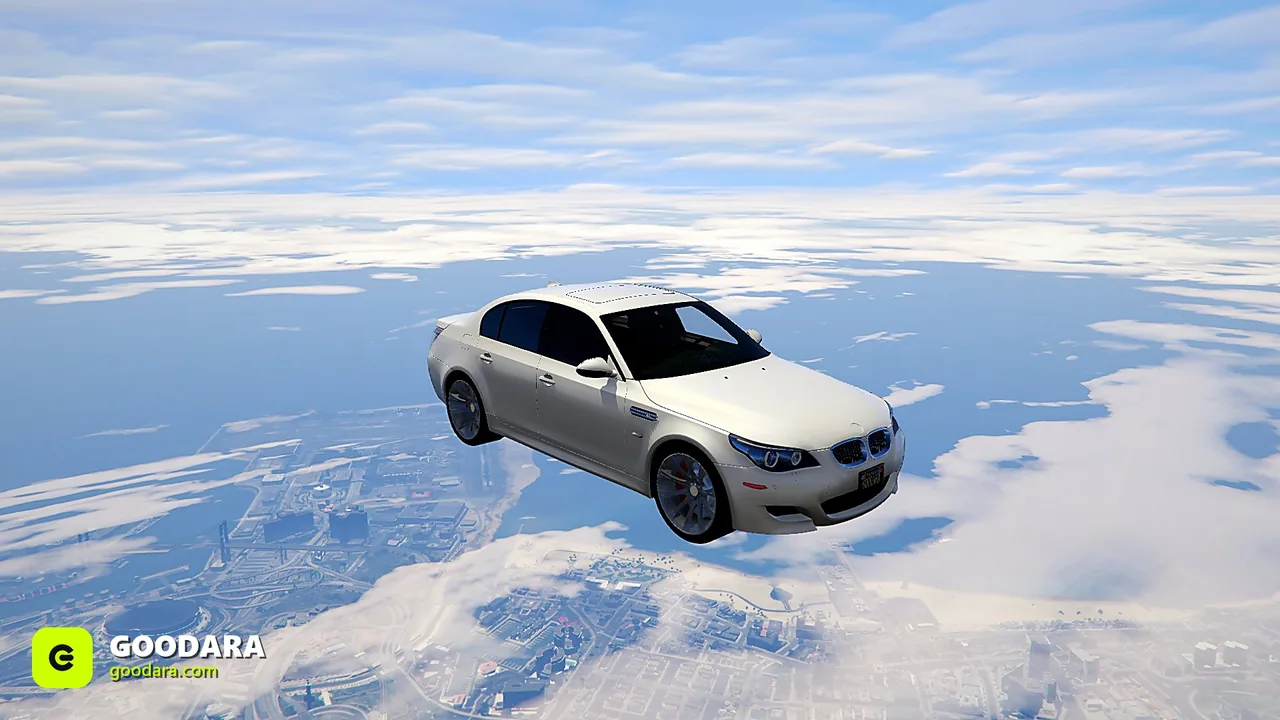
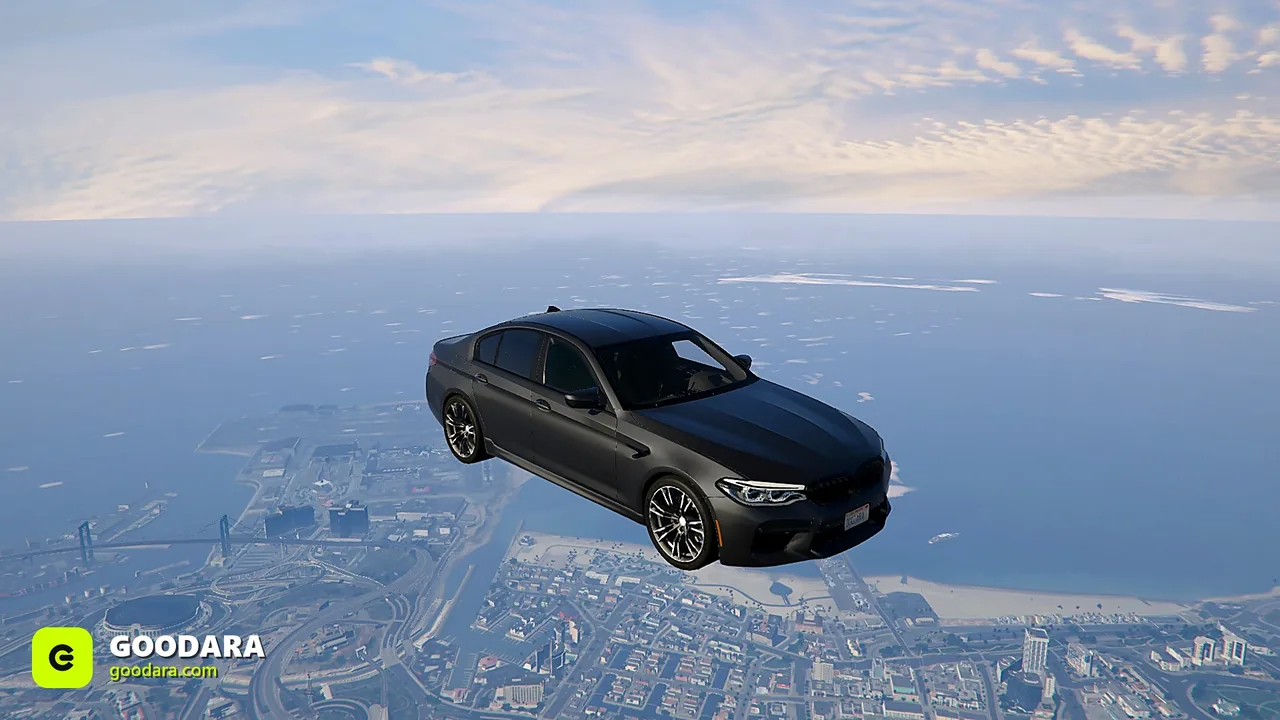
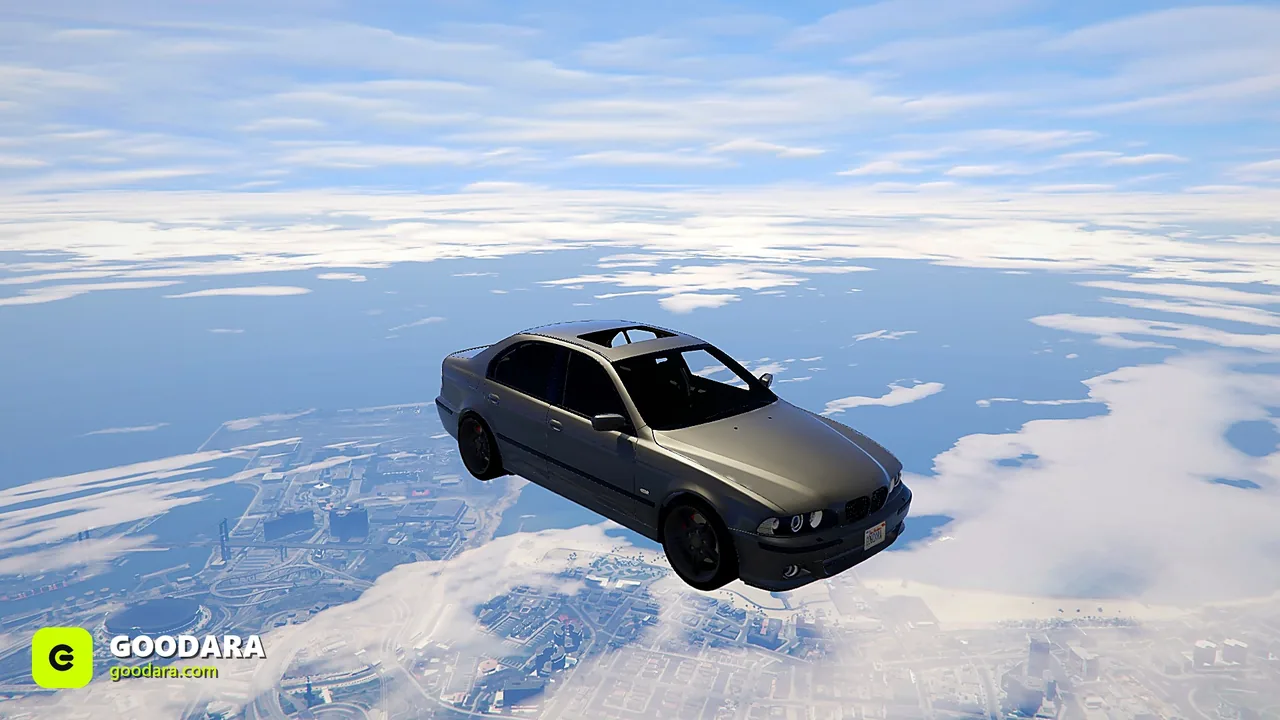
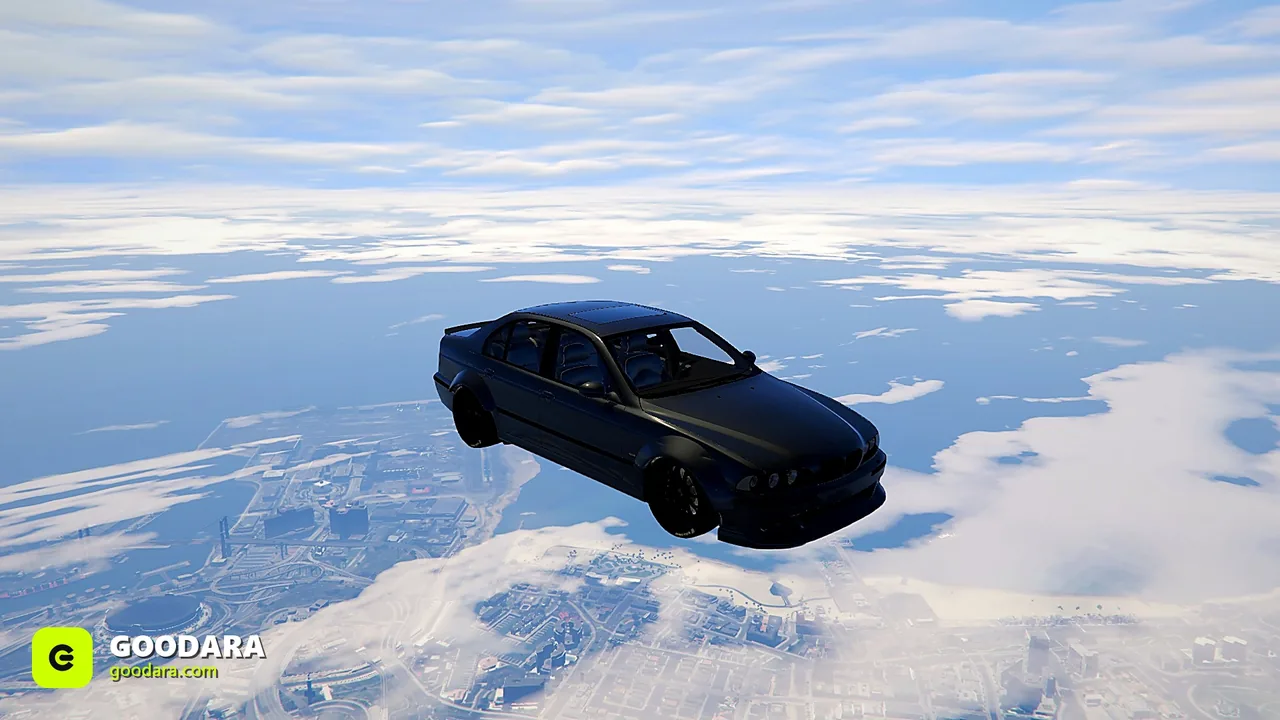
BMW M5 (E39) Widebody (Royal Custom)
$11.99$14.99SAVE 20%
Buy 2+ cars, get 15% off automatically · or 10% off your first order with code WELCOME10 · 🎉 Free FiveM car every week, join our Discord
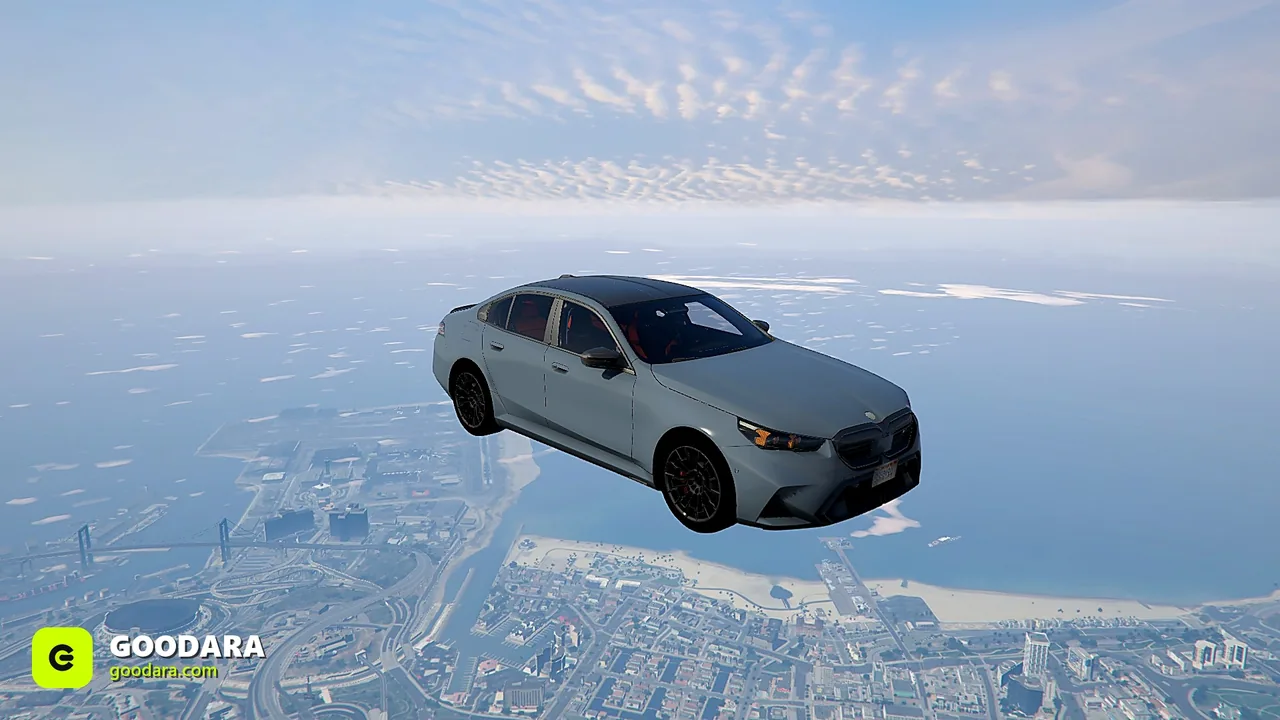
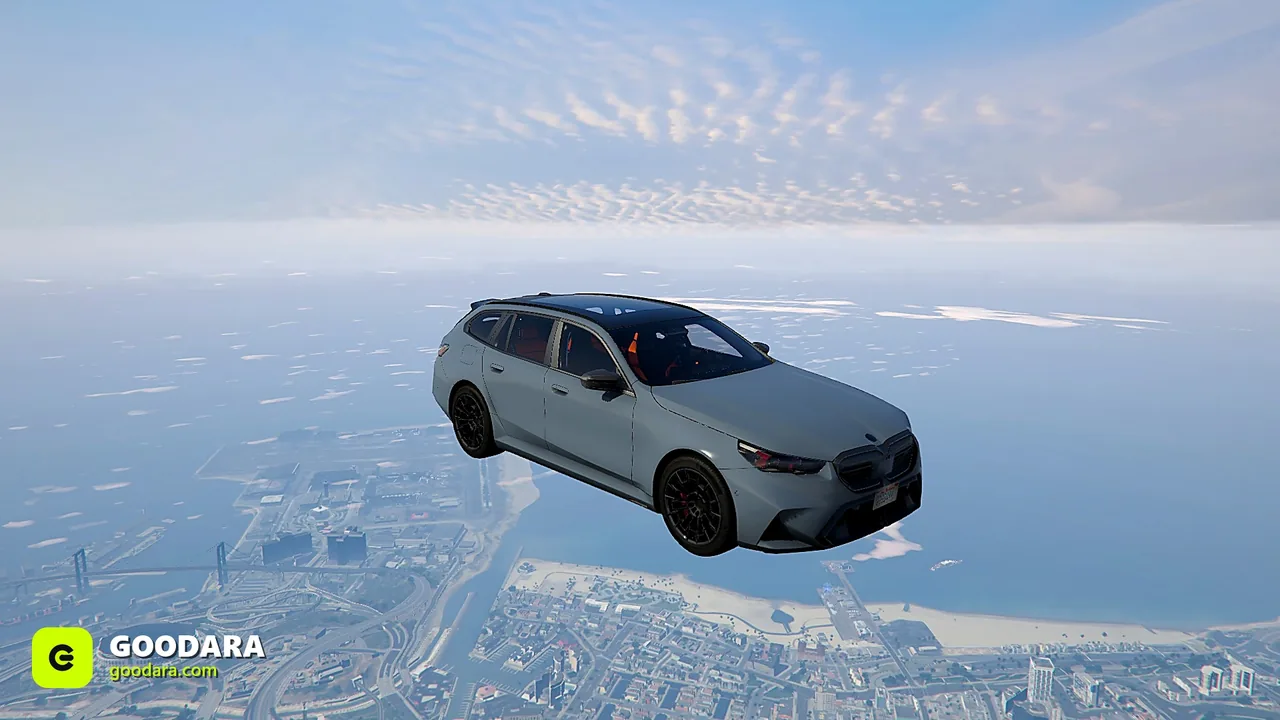
BMW M5 (F10) - FiveM-ready add-on car with an optimized model and custom handling.
Most of our cars are debadged, with no real-world badges. Certified lore-friendly cars are also renamed with GTA V-style names.
BMW M5 (F10)
$8.99
Featured in our buyer's guide:FiveM BMW M Cars: M3, M4, M5 and the Rest of the Range ›·Cheap & Budget FiveM Cars ›
More in this range:BMW M cars ›·BMW M5 ›
Lore-friendly alternative:Ubermacht Rhinehart Beast › stands in for the BMW M5·1 more ›
An add-on resource for QBCore, ESX and standalone FiveM servers.
resources directory.ensure followed by that folder's name to your server.cfg.refresh then ensure).bmci. Stuck? Our Discord support is 24/7.The BMW M5 (F10) is one of several debadged BMW M5 listings in the store. Each is a separate download with its own page:
Certified lore-friendly cars from the same BMW model line, renamed with GTA V-style names and with real-world badges and logos removed:
The spawn name is bmci. Once the resource is running, spawn it from an admin menu or your framework's admin spawn command, or use bmci as the model name in a dealership or garage script.
bmci is the spawn name (model name) of the BMW M5 (F10) on this page, a debadged add-on vehicle for FiveM.
It is an add-on. It loads next to the default GTA V vehicles under its own spawn name, bmci, and does not replace any of them.
Yes, from the same BMW model line: the Ubermacht Rhinehart Beast (lore-friendly BMW M5 alternative), the Ubermacht Rhinehart E60 (lore-friendly BMW M5 (E60) alternative). Each is renamed with a GTA V-style name, with real-world badges and logos removed.
Yes. It is a standard streamed FiveM resource and runs on QBCore, ESX and standalone servers.
It is debadged: the model carries no real-world badges. Lore-friendly alternatives from the same model line are linked on this page.
It is an instant digital download. Right after checkout you get an email with your download link, and the file is added to your account library.
Digital downloads are generally final sale. We review refund requests within 14 days of purchase if the file is corrupted or fails to download, the product is materially not as described, or you were charged more than once.
No reviews yet. Every review here comes from a verified purchase — buyers get a review link by email a few days after their order.