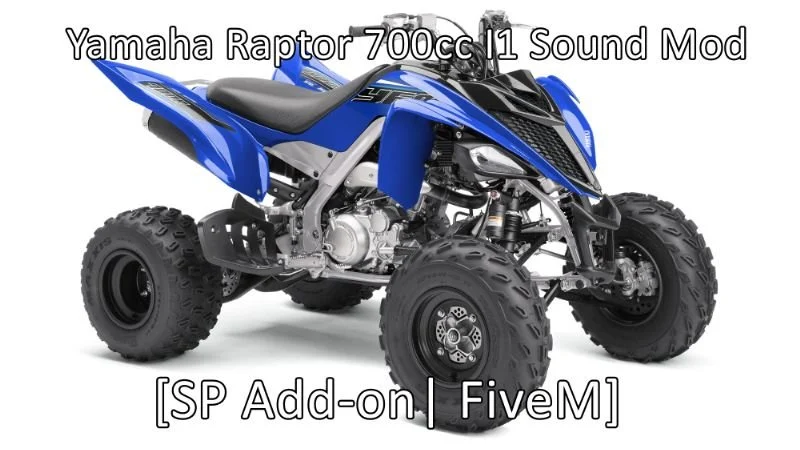
Yamaha Raptor 700cc I1 Engine Sound (FiveM)
$3.99$6.99SAVE 43%
Buy 2+ cars, get 15% off automatically · or 10% off your first order with code WELCOME10 · 🎉 Free FiveM car every week, join our Discord
The razor-edged race-bike scream that snaps straight to the redline of the Yamaha MT-09/FZ-09 I3 — a standalone, server-optimized FiveM engine sound by Goodara.
Yamaha MT-09/FZ-09 I3 Engine Sound (FiveM)
$3.99
Featured in our buyer's guide:FiveM Engine Sounds ›
Bring your build to life with the razor-edged race-bike scream that snaps straight to the redline of the Yamaha MT-09/FZ-09 I3. This premium Goodara engine sound is a fully standalone FiveM resource — drop it in, ensure it, and assign the audio to any vehicle in seconds. Tuned for an authentic, immersive in-game experience.
audioNameHash (mt09eng), zero conflicts with other soundscerulean / Lua 5.4)Set <audioNameHash>mt09eng</audioNameHash> in your vehicle's vehicles.meta, or point your engine-swap script at the hash mt09eng. Full instructions are included in the download.
Runs on QBCore, ESX and standalone FiveM servers.
resources directory.ensure followed by that folder's name to your server.cfg.refresh then ensure).<audioNameHash>mt09eng</audioNameHash> in the vehicles.meta of the vehicle that should use it. Stuck? Our Discord support is 24/7.Fitting out more than one car? Sounds are also sold in packs:
The audioNameHash is mt09eng. Set it in your vehicle's vehicles.meta, or point your engine-swap script at that hash.
Start the sound resource on your server, then set <audioNameHash>mt09eng</audioNameHash> in the vehicles.meta of the car that should use it. Full instructions are included in the download.
No. It is an engine sound resource only; no vehicle model is included.
Yes. It is a standalone sound resource, so the audio can be assigned to any vehicle on your server.
Yes. It works with ESX, QBCore and standalone servers.
It is an instant digital download. Right after checkout you get an email with your download link, and the file is added to your account library.
Digital downloads are generally final sale. We review refund requests within 14 days of purchase if the file is corrupted or fails to download, the product is materially not as described, or you were charged more than once.
No reviews yet. Every review here comes from a verified purchase — buyers get a review link by email a few days after their order.