How to Add Police Cars to FiveM (ELS vs Non-ELS Explained)
· 7 min read
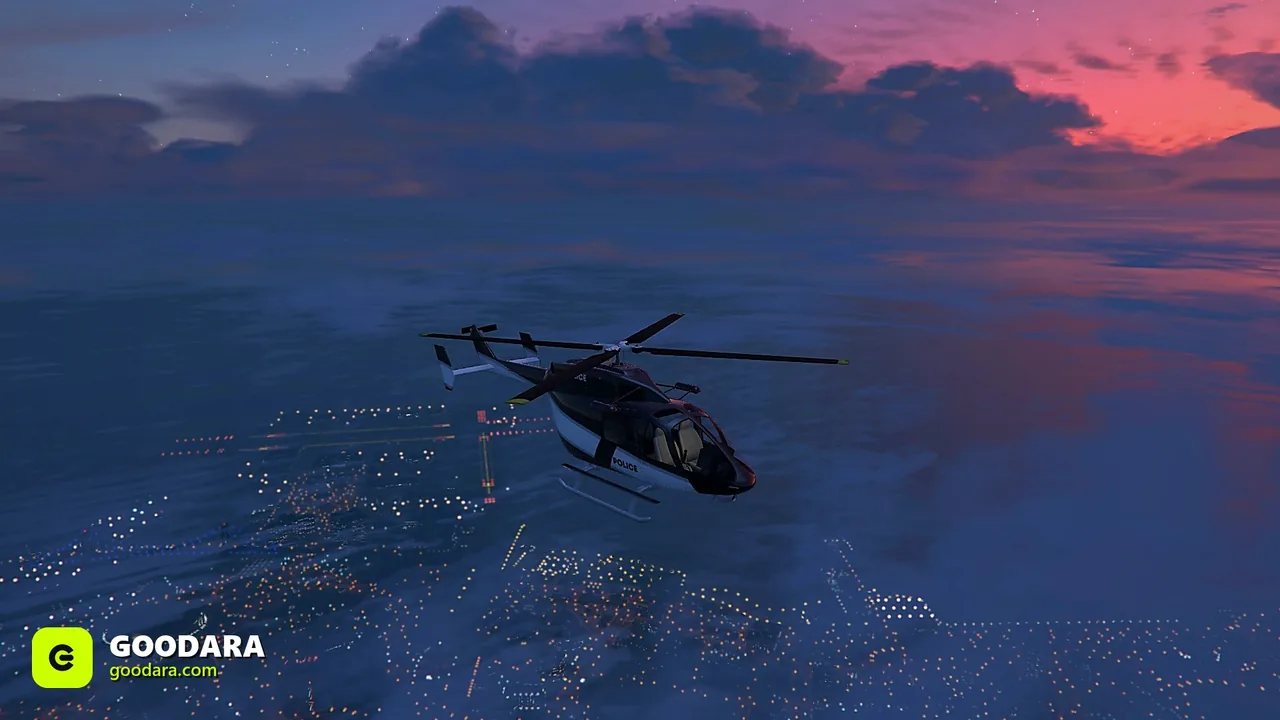
Emergency vehicles are the backbone of any serious roleplay server, but they trip up new owners more than any other category — almost always because of lighting. Here's how to do it cleanly.
ELS vs non-ELS
ELS (Emergency Lighting System) is a separate resource that drives advanced, scriptable light patterns. Non-ELS vehicles use the game's built-in siren/light system baked into the model's carcols.
- ELS pros: rich patterns, per-vehicle control, realism.
- ELS cons: every player needs it installed, and mixing ELS and non-ELS cars causes the classic "no lights" bug.
- Non-ELS pros: drop-in, no client dependency, fewer support tickets.
For most servers, non-ELS keeps support simple. Pick one system for your whole emergency fleet and stick to it.
1. Match the system to your fleet
Decide ELS or non-ELS before buying. A non-ELS pack and an ELS pack don't mix well on the same server, so commit to one.
2. Install like any vehicle
Drop the resource into resources, ensure it, and (for ELS fleets) make sure the ELS base resource is ensured too. The car-install steps are the same as our custom car guide.
3. Lock them to the right jobs
On QBCore/ESX, restrict police and EMS vehicles to whitelisted jobs through your garage/job scripts so civilians can't pull a cruiser from a normal garage.
Common emergency-vehicle bugs
- No lights at all → ELS car on a non-ELS server (or vice versa).
- Sirens with no light bar → the lighting carcols didn't load.
- Wrong skin → missing livery
.ytd; see fixing vehicle errors.
Skip the headaches with a coordinated set — our police & EMS vehicles and police packs are built to a consistent standard.


